


Smart Water Meters

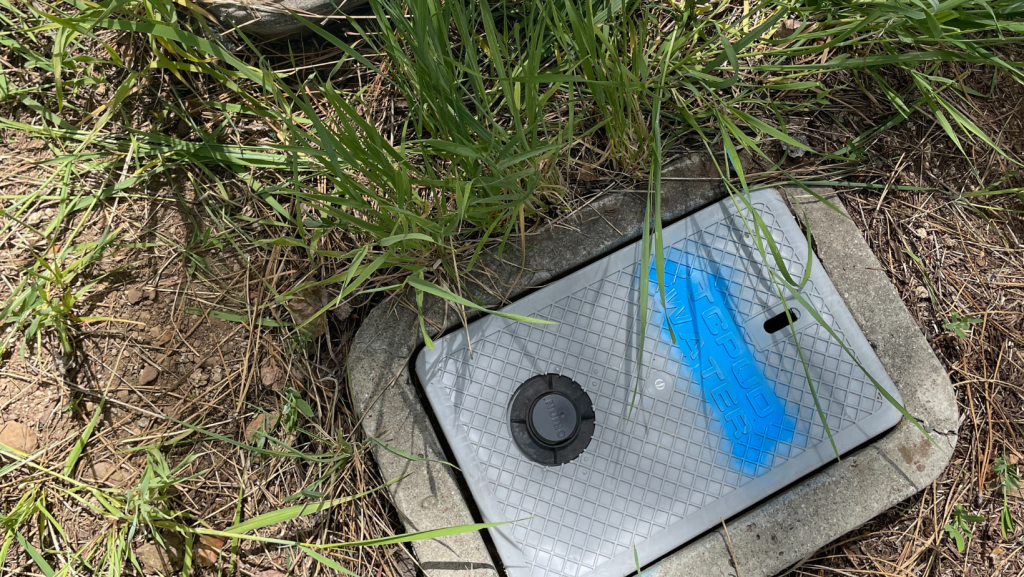
About Smart Water Meters
TCPUD’s smart water meters use secure cellular technology to send water use data automatically four times per day. This allows TCPUD to read meters remotely without needing staff to drive or walk to each property.
Each meter securely transmits encrypted water use information to TCPUD’s system, helping staff respond more quickly to potential issues and better maintain the water system.
By reducing the need for vehicle travel to read meters, smart meters also help lower greenhouse gas emissions while supporting TCPUD’s mission of providing safe and reliable water service.
Leak Alert Notifications
Customers with smart meters can receive notification within 24 hours of a potential leak via email and/or text.
Customer Dashboard: EyeOnWater
Smart water meters provide access to EyeOnWater, a free online dashboard and mobile app available for Android and iOS devices.
EyeOnWater allows customers to:
- View easy-to-read water use graphs
- Track water use over time
- Set leak alert preferences
- Monitor water use even when away from home
Create an EyeOnWater Account
Follow these steps to create your account on EyeOnWater:
- Access EyeOnWater to create a new account and download the EyeOnWater app: eyeonwater.com
- Create an account using your Billing Zip Code and Customer # noted on your TCPUD Utility bill. Use only the numerical digits from the account # and remove the hyphen. (i.e. 001234-000 = 001234000) For help, including multiple accounts in one dashboard, visit helpeyeonwater.com/creating-an-account/
Track Your Water Usage - EyeOnWater
Don't want to use the EyeOnWater app? No problem! Just complete a Cellular Water Meter Leak Notification Form in order to receive potential leak notifications.